 Alok Singh
Introduction:
Even though Microsoft Outlook 2019 and 2021 are great email applications, they can still have the “PST file cannot be opened” problem. This can happen for a number of reasons, including a sudden power interruption, a large file size that is higher than 50 GB, or an attack from a virus. A corrupted PST file can stop your productivity right away.
If you need to fix PST file for Outlook 2019 or 2021, you have two main options: you can use the built-in tool that Microsoft gives you, or you can buy recovery software made for professionals. In this article, we’ll show you how to do each of these.
Most common signs that Outlook 2019 or 2021 PST files are corrupted
Before you start fixing the problem, you need to figure out if your PST is the actual issue. Watch out for these signs:
- Outlook stopped responding or placed while profile information was set up.
- There are messages that say there are problems, like “The file xxxx.pst is not an Outlook data file.”
- After a crash, emails, files, or attachments are gone.
- The application closes without notice while it is indexing.
1. Use the ScanPST.exe (Inbox Repair Tool) application that comes with Windows.
Microsoft has a free software known as ScanPST.exe that you can download. It is meant to fix little problems with the headers in your data files.
Where to find it: For 64-bit versions of Outlook 2019/2021, the utility is usually found in the following location:
In the folder C:\Program Files\Microsoft Office\root\Office16
The Steps to Fix:
- Outlook needs to be completely closed.
- Open the ScanPST.exe file.
- Just go to the PST file that is corrupted and select it.
- Click the Start button to start the scan. If you see errors, click the Repair option.
Limitations: ScanPST doesn’t perform very well with files that are bigger than 2 gigabytes or that have a lot of “internal” damage.
2: Why You Should Use a Professional PST Repair Tool
If the Inbox Repair tool doesn’t work right or if you need to get back deleted things that ScanPST doesn’t see, you need to have a PST repair tool for Outlook 2019/2021 available.
WebbyAcad offers professional tools like the one below:
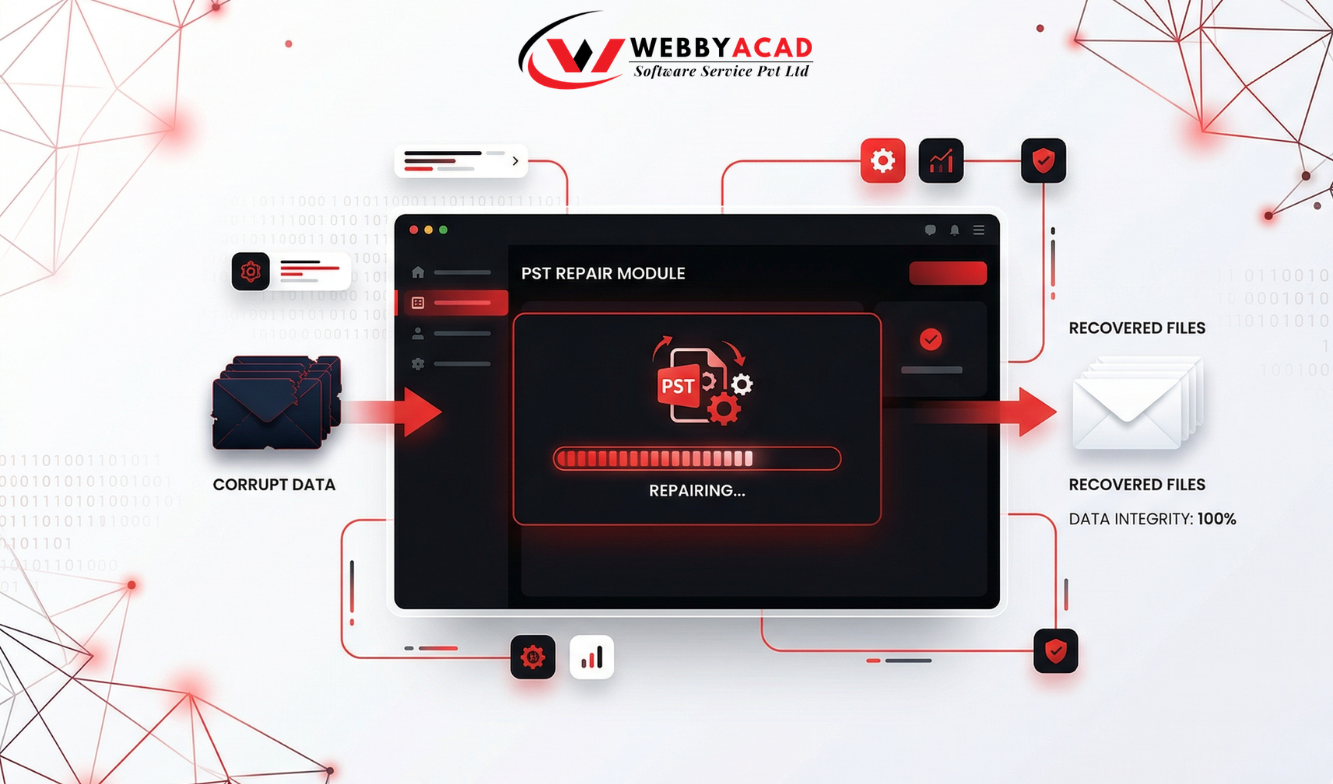
- Deep scanning is a way to get back broken data by looking at more than just the file header.
- It can readily handle PST files that are more than 50 GB, which is common in Outlook 2021.
- Encrypted File Recovery helps fix files that are password-protected without needing the original password.
- You can save the corrected data in a number of formats, such as New PST, EML, MSG, or directly to Office 365.
How to Use the WebbyAcad PST Repair Software
- Download and install the tool, and then open it on your Windows computer.
- Select PST, then upload the damaged PST file for either 2019 or 2021.
- The software makes a tree view of all the emails, contacts, and calendars that can be recovered. This lets you see the data before you recover it.
- You can save or export the healthy file by choosing a format and then saving it to another location.
PST Repair Tool
Best professional PST repair software for 100% data recovery
- Instant Cloud Migration
- Supports Office 365
- Google Workspace Ready
- 100% Secure & Reliable
Last Thoughts
If you let a corrupted data file take priority, you could lose years of professional communication. For people who utilize Outlook 2019 and 2021, the WebbyAcad PST Repair Tool is the best protection. ScanPST is an excellent first step for fixing little problems, but the WebbyAcad PST Repair Tool is the best way to make sure everything is okay.