 Alok Singh
Introduction
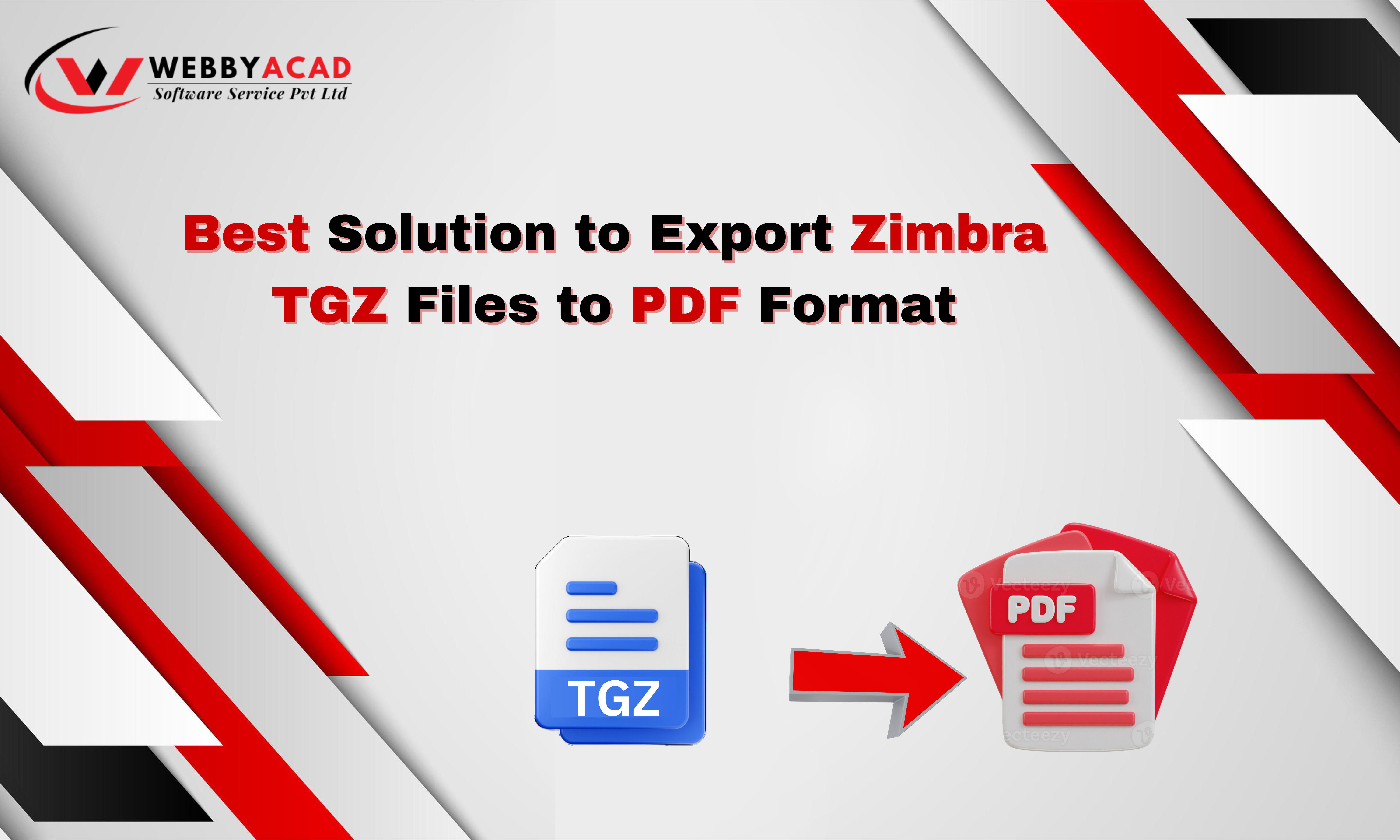
In today’s digital landscape, email is the backbone of professional communication. Zimbra, a popular open-source email and collaboration suite, stores its data in the TGZ format. While efficient for archiving, the TGZ format is not ideal for sharing or long-term legal preservation. This is where the need to export Zimbra TGZ files to PDF arises.
PDFs are universally accessible, secure, and legally recognized. Whether you are migrating data, preparing legal documents, or simply archiving emails, converting your Zimbra files to PDF ensures your data remains intact and readable on any device. In this guide, we will explore the best solution to convert your Zimbra emails to PDF effortlessly.
Why Convert Zimbra TGZ to PDF?
Converting your Zimbra emails to PDF offers several distinct advantages over keeping them in the raw TGZ format:
- Maintain Original Format: PDFs preserve the original layout, format, and images of your emails in place.
- Better Security: PDF files can have passwords to keep information private.
- PDFs are also made searchable with improved search features.
- Through a PDF reader, these files can be viewed and printed from any computer.
- Legal Validity: PDF files are mostly regarded as legal documents.
Key Features to Look for in a Zimbra to PDF Converter
When choosing a tool to handle your email data, reliability is key. A professional TGZ to PDF Converter should offer:
- Batch Conversion – Translating multiple sets of TGZ files to reduce effort, save time.
- Selective Export: Options to choose specific folders or emails rather than converting the entire database.
- Date Range Filtering: Ability to change emails from a particular period.
- Email Metadata Preservation: It is crucial to retain original details like “To,” “From,” “Subject,” “Cc,” “Bcc,” and timestamps.
- High-Speed Converting: Convert large TGZ files rapidly while losing as little performance as possible.
- User-Friendly Interface: A simple design that requires no technical expertise to operate.
- Technical Support: Trustable assistance for customers on tackling any problem or answer to queries.
The Best Solution: WebbyAcad Zimbra Converter Tool
For a seamless and accurate conversion, we recommend the WebbyAcad Zimbra Converter Tool. This software is designed to handle large Zimbra TGZ files and convert them into high-quality PDFs without data loss.
Why Choose WebbyAcad?
- Direct TGZ to PDF Conversion: The tool directly converts TGZ files to PDF without any intermediate steps.
- Batch Conversion: Process multiple TGZ files simultaneously to save time.
- Selective Conversion: Choose specific emails or folders for conversion.
- Date Range Filtering: Convert emails within a specified date range.
- Preservation of Email Metadata: Retain important email metadata, including sender, recipient, subject, date, and time.
- User-Friendly Interface: A simple and intuitive interface that is easy to use.
- Technical Support: Reliable customer support to assist with any issues or questions.
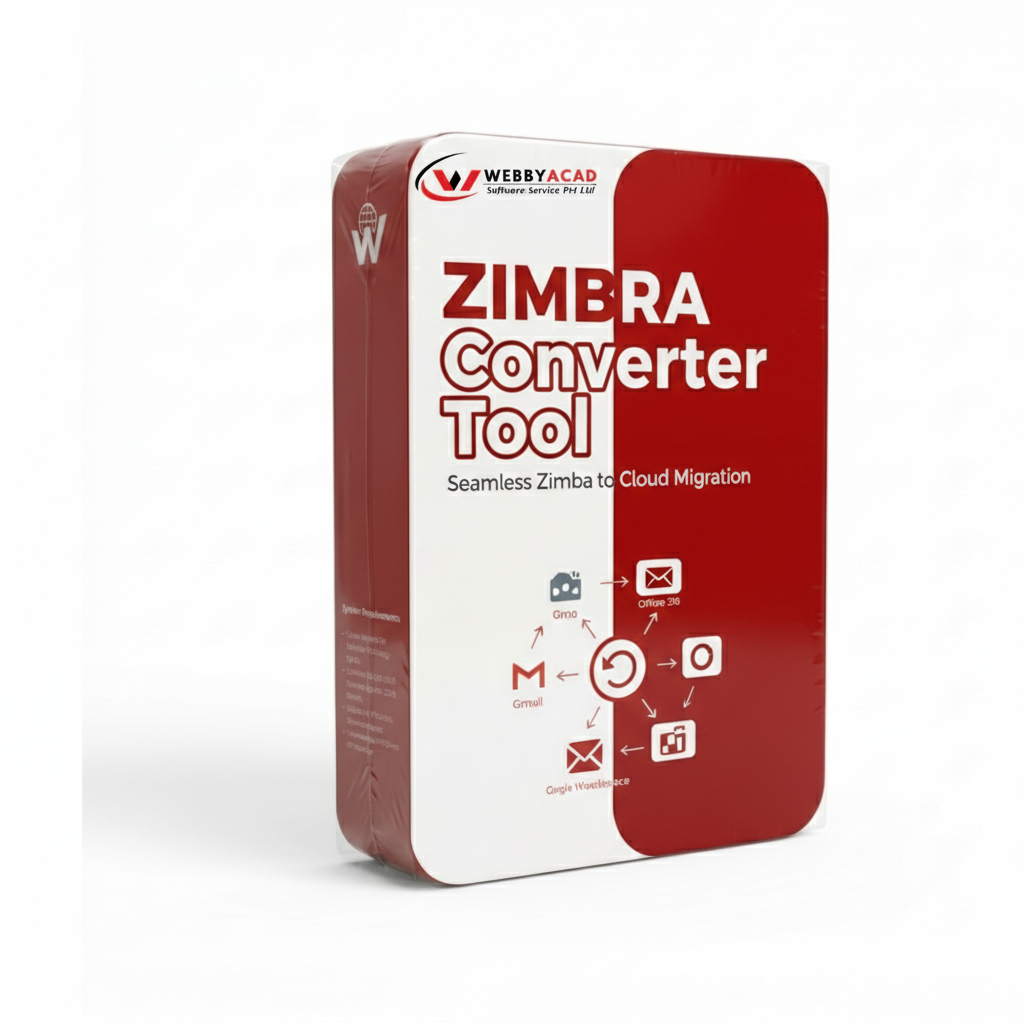
Zimbra Converter Tool
The ultimate solution for seamless TGZ files to PDF & Cloud migration. Convert your data with 100% accuracy.
- Instant Cloud Migration
- Supports Office 365
- Google Workspace Ready
- 100% Secure & Reliable
Step-by-Step Guide: How to Convert Zimbra TGZ to PDF
Follow these simple steps to export your Zimbra emails to PDF format:
- Download and Install: Download the Zimbra file converter from the official website of the product and install it on your computer.
- Add TGZ Files: Import the TGZ files you want to convert.
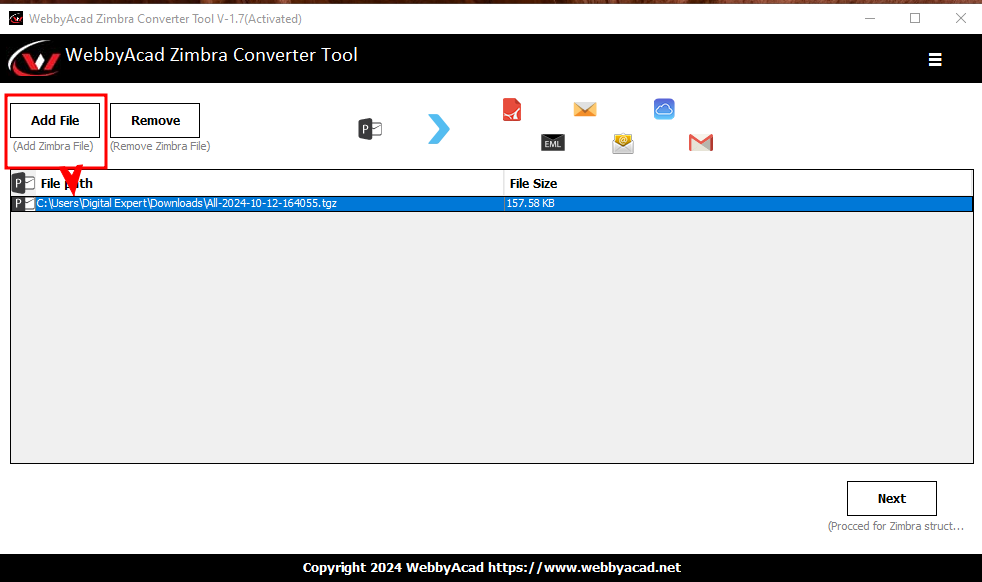
- Select Output Format: Choose PDF as the output format.
- Customize Settings (Optional): Adjust settings like date range, email filters, and metadata preservation.
- Start Conversion: Initiate the conversion process.
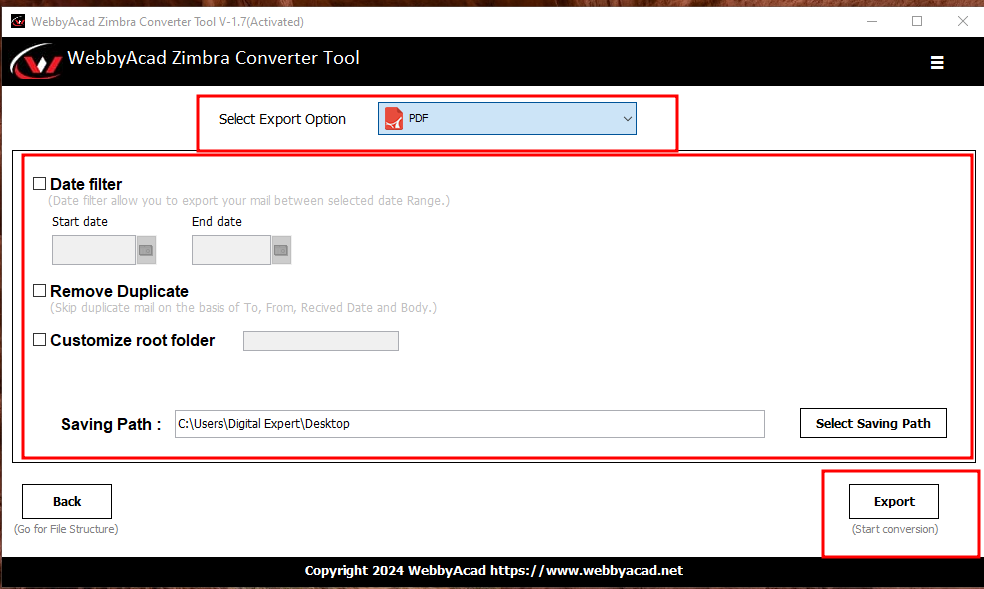
- Save PDF Files: Save the converted PDF files to your desired location.
Conclusion
Migrating data doesn’t have to be complicated. By converting your Zimbra TGZ files to PDF, you ensure your emails are secure, portable, and legally compliant. The WebbyAcad Zimbra Converter simplifies this process, offering a robust solution for both individual users and enterprises.
Don’t risk data loss with manual methods. Download the professional tool today and experience hassle-free email conversion.